I regret to inform you that this does not align with my findings; I have only received one instance, not four.
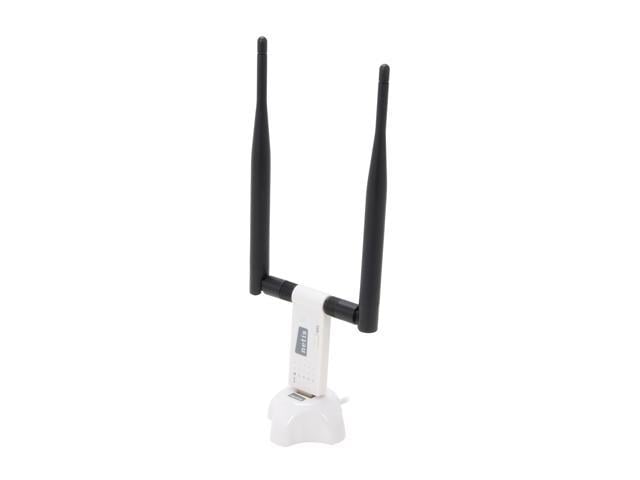
If the kernel has not loaded a wifi driver then the first step it's wise to take is to upgrade the installation to the latest version available which includes the latest version of the kernel if the machine is not running the latest software. Wifi drivers are added to kernels as they are progressively released, so it's possible a relevant driver is available from such a later version. It appears from post #5 that the machine has a mediatek wifi device. In the case of mediatek drivers, they are more recent additions.
Nevertheless, if no driver is yet available in the kernel, then one needs to identify the chipset of the wifi device and then seek out a relevant driver if one exists. Often drivers not yet in the kernel are available for installation from a site such as github and are easily installed.
In the case of a mediatek wifi device, a chipset number will usually resemble something like: mt7921au. When one has that number they can search for a driver for it.
One can use the following commands to try and find the number thus:
Code:
inxi -Nnxx

lspci -nnkd ::2xx
Note that the above inxi command is different to the one suggested in post #2.
If you return the exact outputs from those commands here, readers may be in a position to help further. It's best to post the exact commands entered and the outputs shown, fully and exactly here. One can paste the text and use code tags to show the whole pristine output.
If you are unsure on the use of code tags, see the illustrated "code" example here:
https://www.bbcode.org/how-to-use-bbcode-a-complete-guide.php.
Or one can also use the "</>" icon in the Post reply tool bar. It's under the left most three dot icon. One pastes the copied output code, highlights it and hits the icon.