Polymorphus Magnus
New Member
Hello fine folk of the linux.org!
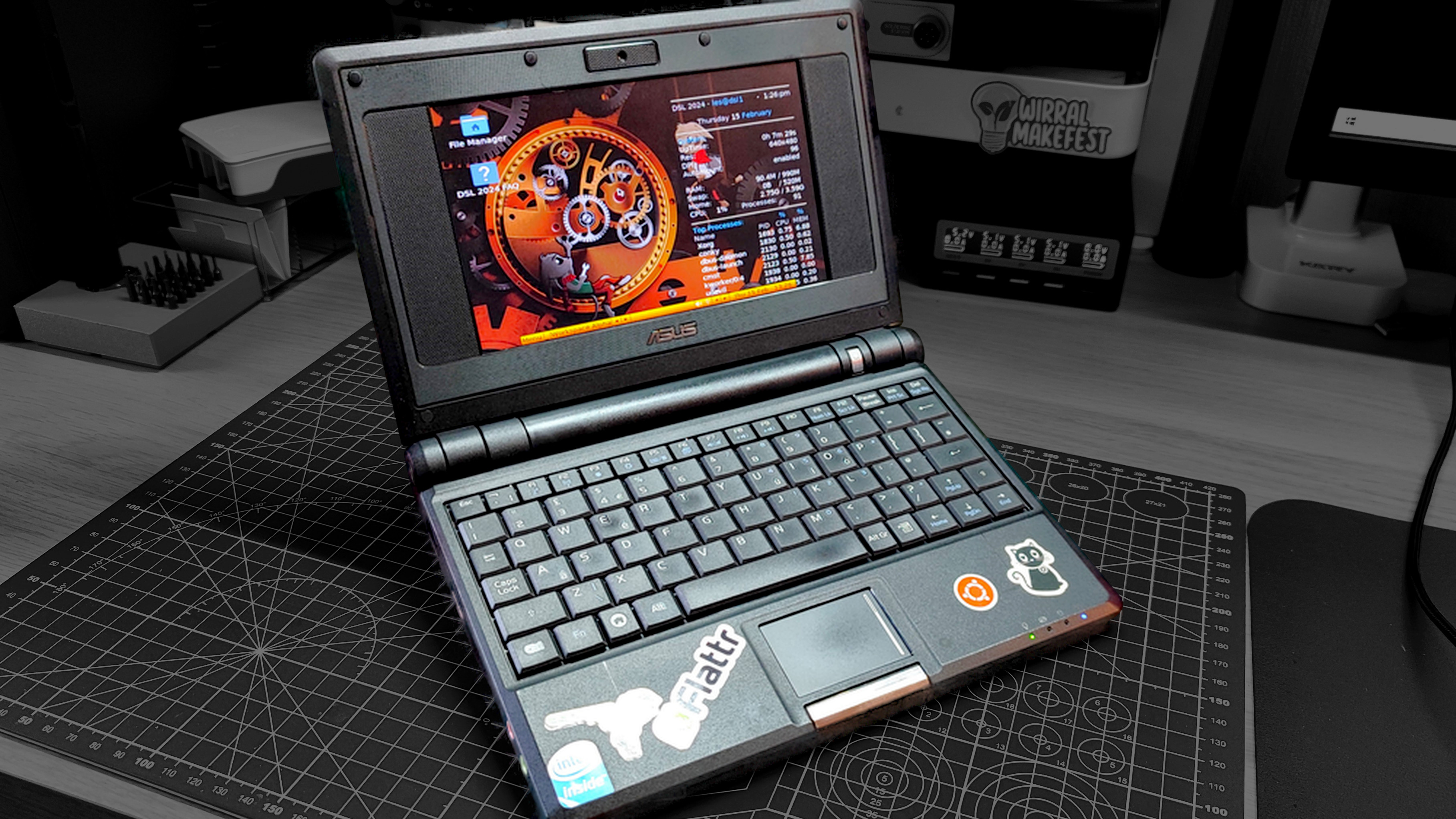
So I've got my hands on the ASUS EEE 700x. Barely any ram or just storage space (256Mb and around 2-ish GB). I do not intend to use it for anything extraordinary. mostly presentations and documents work, maybe internet browsing. What would be the lightest distro or DE for it. I had used Nobara in the past as my first distro for around a year and a half before I realized that I'm lagging behind by four major updates and after unsuccessfully attempting to hop to Arch I rolled back to modded Win10.
I would like to try and finally get through installation of the linux Arch, but if there are better alternatives I'd really like to know.
I'm relatively familiar with KDE as a desktop environment but I'm afraid it's a bit too much for a laptop with total 2GB of storage space so I'd like to know if there are DEs that would be light enough yet provide reasonably comparative experience to the one of the KDE.
Oh, and if anyone owns/owned one in the past and ran linux on it, is there anything I should be wary of? Like drivers trouble and such.
So I've got my hands on the ASUS EEE 700x. Barely any ram or just storage space (256Mb and around 2-ish GB). I do not intend to use it for anything extraordinary. mostly presentations and documents work, maybe internet browsing. What would be the lightest distro or DE for it. I had used Nobara in the past as my first distro for around a year and a half before I realized that I'm lagging behind by four major updates and after unsuccessfully attempting to hop to Arch I rolled back to modded Win10.
I would like to try and finally get through installation of the linux Arch, but if there are better alternatives I'd really like to know.
I'm relatively familiar with KDE as a desktop environment but I'm afraid it's a bit too much for a laptop with total 2GB of storage space so I'd like to know if there are DEs that would be light enough yet provide reasonably comparative experience to the one of the KDE.
Oh, and if anyone owns/owned one in the past and ran linux on it, is there anything I should be wary of? Like drivers trouble and such.