Title: From my old Flask/Python web app to a real Flatpak desktop app (BookLibConnect) PT1
I’ve been running an audiobook manager/tracker as a Python + Flask web app for a while, and honestly… I’m tired of it being “a pile of scripts + a web UI” that I constantly have to babysit.
The old project was very “me” in style. I built a full theme system with CSS variables, instant theme switching (no reload), and I went a bit crazy with it:
So I’m rebuilding it as an actual desktop app, packaged as a Flatpak.
New app name: BookLibConnect.
Goal: a clean local library manager that doesn’t need a browser, doesn’t need random setup steps, and can be installed like a normal app.
Current status (PT1):
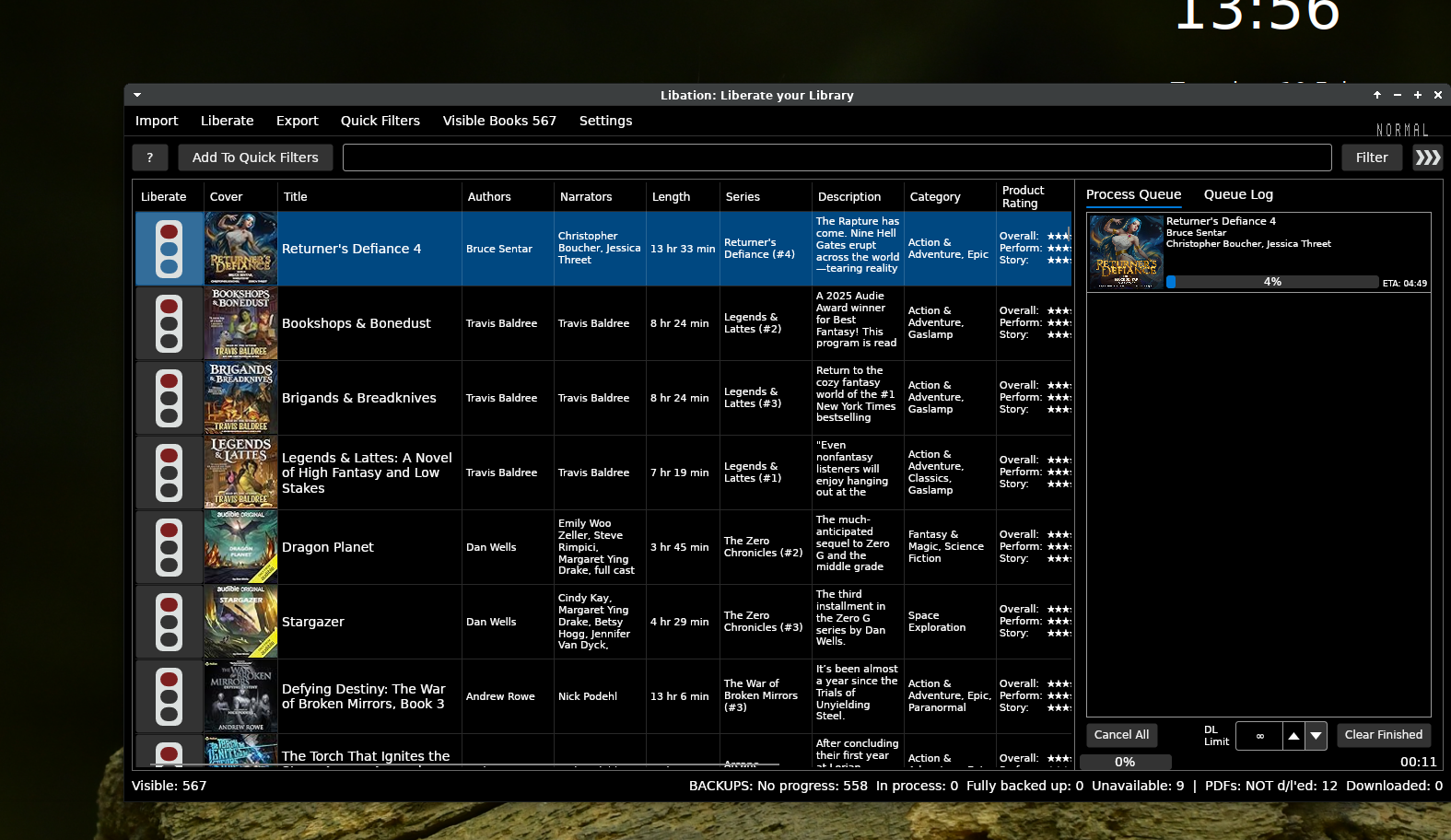
PT1 screenshot is attached.
If anyone here has practical Flatpak advice (Qt + Python, file access/portals, “don’t do it like this” warnings), I’m all ears.

I’ve been running an audiobook manager/tracker as a Python + Flask web app for a while, and honestly… I’m tired of it being “a pile of scripts + a web UI” that I constantly have to babysit.
The old project was very “me” in style. I built a full theme system with CSS variables, instant theme switching (no reload), and I went a bit crazy with it:
- Dark Mode for night listening (my default)
- Winter Mode with a colder look, frosted-glass UI, and a subtle snow overlay/particles
- Cover-focused browsing, track lists, metadata workflow ideas, the whole “this is my personal library hub” vibe
So I’m rebuilding it as an actual desktop app, packaged as a Flatpak.
New app name: BookLibConnect.
Goal: a clean local library manager that doesn’t need a browser, doesn’t need random setup steps, and can be installed like a normal app.
Current status (PT1):
- Set Library Root
- Rescan library
- Shows author/book + cover art
- Track list with file name, size, and modified date
PT1 screenshot is attached.
If anyone here has practical Flatpak advice (Qt + Python, file access/portals, “don’t do it like this” warnings), I’m all ears.

 “Failed to initialize DIRECTX(R)” error
 What Actually Fixed It
 I Had To Enable DXVK
 I Had To Activate Voodoo (Important)
 The BIG One: MangoHud Was Missing 32-Bit Support