How Can Beginners Effectively Manage System Resources in Linux?

Paul Chase

New Member
Joined
Aug 22, 2025
Messages
15
Reaction score
3
Credits
140
For those new to Linux, managing system resources like CPU, RAM, and storage can seem overwhelming. What are the best practices for optimizing memory usage, handling processes efficiently, and configuring swap space? If you've found effective tools or strategies for improving Linux performance, share them here! Let’s help beginners make their Linux experience smoother and more efficient.


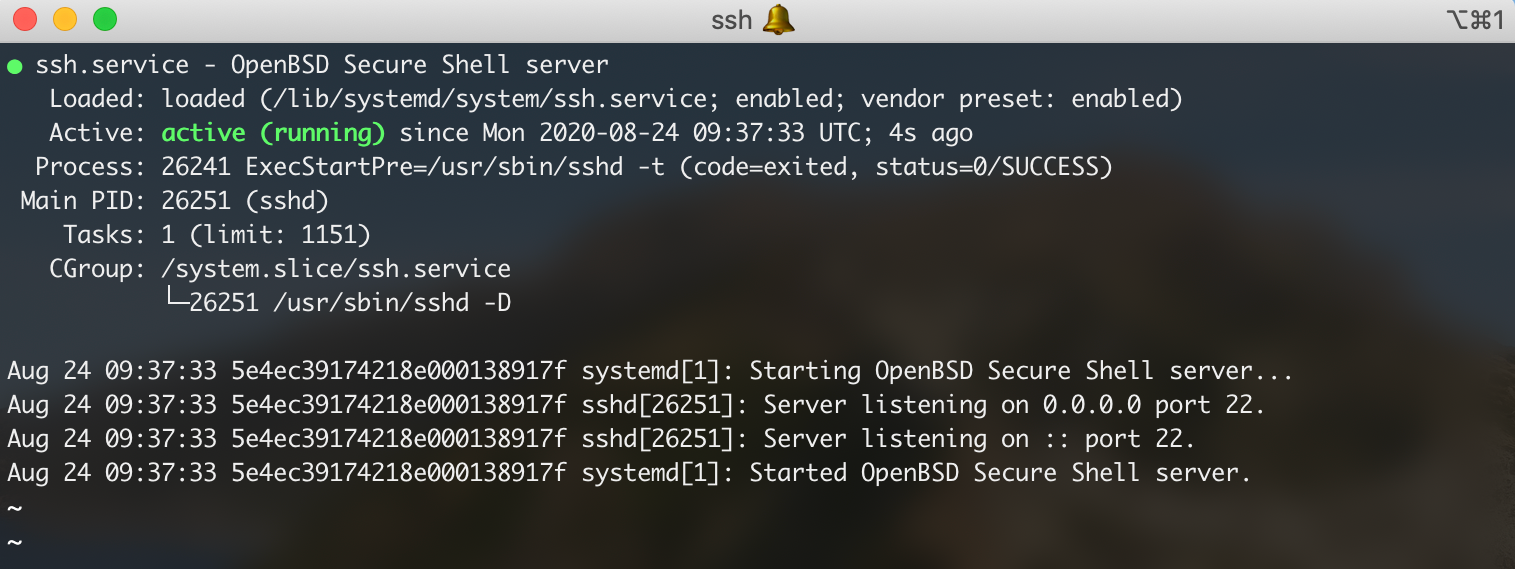
Turn off services that you don't use or want.
Using the systemctl commands is one way.

For example is you don't have a printer you can disable cups.
Just for that session of course.

Code:
    sudo systemctl disable [service-name]

. A more permanent way would be to stop and disable with elevated privileges.
Code:
systemctl disable --now [service-name]

A Beginners Guide to systemctl


Check CPU Usage and How To's


Like my signature line says:
If it ain't broke don't fix it and if you can't fix it, don't break it. You reap what you tweak.

Have a nice weekend!
 
For those new to Linux, managing system resources like CPU, RAM, and storage can seem overwhelming. What are the best practices for optimizing memory usage, handling processes efficiently, and configuring swap space? If you've found effective tools or strategies for improving Linux performance, share them here! Let’s help beginners make their Linux experience smoother and more efficient.

I don't understand what you mean by "managing system resources"...sounds like something you'd do in windoze.

My advice...CPU...leave it be. Ram...run 8GB or more. Swap...leave it be...if you have heaps of Ram you never need Swap.

Storage...never been a problem. How to improve performance...use an SSD at least 500GB and use common sense...it's not hard.

Linux doesn't need strategies to improve performance because Linux isn't windoze...but when using an SSD...there are some things beginners should know...optimize the SSD to run more efficiently...always have at least 20% of free space on the Drive at all times and never defrag an SSD.
1756014306772.gif
 
You don't manage them yourself, they're managed by cgroups
Agreed, it's a computer it does this automatically. The only time this sometimes needs to be done if an application needs resources configured a certain way but I have only see this for two specifics application so far which were database server applications like Oracle and Epic. For desktop use-cases that will never be needed, the only thing you may need to extend is swap space and maybe think about how you are going to manage an extra disk if you add another disk to your system.
 
Last edited:
One useful tip about saving an SSD's life: add "discard" in the options in fstab. It does the same as trim, just better.


Follow Linux.org

Members online


Latest posts

Top