

IlyasLinux
New Member
So, Hello there, recently A LOT of users have been switching to Linux (or willing to switch), so they need help, thus I am writing this small but helpful blog to guide you.
Assuming that you're going with the beginner friendly distrobutions : Mint, ZorinOS, Ubuntu.
Pre-Install :
-Make sure that your hardware is compatible.
-Try the distros either through their live mode, or in a virtual machine.
-Carefully select the drive you are going to install linux on, and backup your personal data.
-See if your distro of choice recommends disabling secure boot.
Post-Install :
-Perform system updates through the software center or by running in the terminal :
-Install fonts, and codecs :
-Install Nvidia drivers if you have an nvidia card.t
-Perform a backup using timeshift.
-Install some helpful packages/software like :
-Setup the firewall.
-Customize your desktop to your liking
Software :
Most FOSS software are as capable as their propreitary counterparts :
-LibreOffice => MS Office
-GIMP, Krita => PhotoShop
-AppFlowy => Notion
But if the alternative is not enough or the software you use is not available at all, you can run it using the newly-created tool : WinBoat, or the good ol' Wine/Bottles, or even spin up a Virtual machine.
Also, FOSS is highly customizable, e.g you can make GIMP look like PhotoShop using the PhotoGIMP plugin!
Troubleshooting :
In case you got into a bug or the software is not behaving accordingly :
-Read through the docs/wiki, a lot ignore that, but it is really helpful!
-Report the bug.
-Seek help from the forums like reddit, you should describe your issue properly, include your distro, what you were trying to do, what commands you ran, and what errors appeared.
Optional but highly-recommended :
-Learn some terminal commands : how to install/update/remove packages, how to browse files, how to start/stop services using
-Learn the different package format : system packages, flatpak, and appimages.
-Contribute to FOSS : Donations, Requesting new features, help in coding (if you know how)
-Choose privacy respecting tools : LibreWolf as web browser, ThunderBird as email client, DuckDuckGo as search engine etc..
So, hope you find this small article/blog helpful, enjoy your linux journey!
Links to other post you may like :

 easylinuxtipsproject.blogspot.com
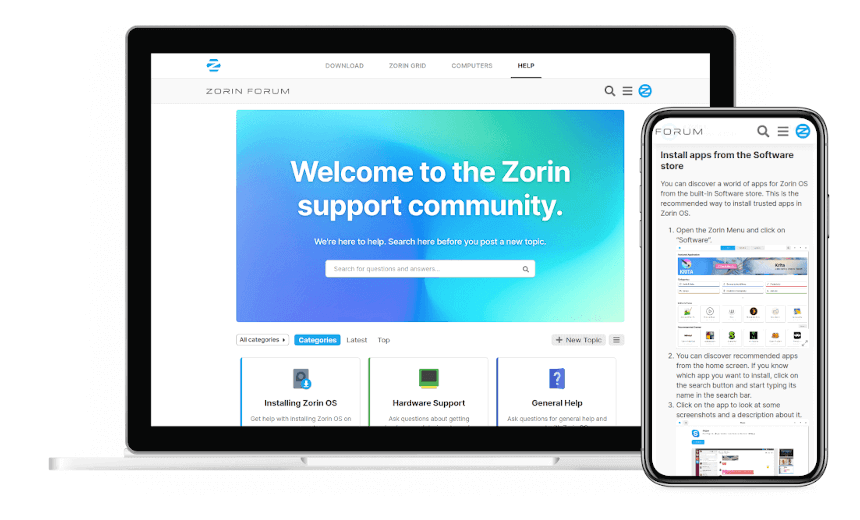
 forum.zorin.com
Assuming that you're going with the beginner friendly distrobutions : Mint, ZorinOS, Ubuntu.
Pre-Install :
-Make sure that your hardware is compatible.
-Try the distros either through their live mode, or in a virtual machine.
-Carefully select the drive you are going to install linux on, and backup your personal data.
-See if your distro of choice recommends disabling secure boot.
Post-Install :
-Perform system updates through the software center or by running in the terminal :
sudo apt update && sudo apt upgrade -y , and then restart.-Install fonts, and codecs :
sudo apt install ttf-mscorefonts-installer then run sudo apt install ubuntu-restriced-extras-Install Nvidia drivers if you have an nvidia card.t
-Perform a backup using timeshift.
-Install some helpful packages/software like :
btop, vlc, fastfetch.-Setup the firewall.
-Customize your desktop to your liking
Software :
Most FOSS software are as capable as their propreitary counterparts :
-LibreOffice => MS Office
-GIMP, Krita => PhotoShop
-AppFlowy => Notion
But if the alternative is not enough or the software you use is not available at all, you can run it using the newly-created tool : WinBoat, or the good ol' Wine/Bottles, or even spin up a Virtual machine.
Also, FOSS is highly customizable, e.g you can make GIMP look like PhotoShop using the PhotoGIMP plugin!
Troubleshooting :
In case you got into a bug or the software is not behaving accordingly :
-Read through the docs/wiki, a lot ignore that, but it is really helpful!
-Report the bug.
-Seek help from the forums like reddit, you should describe your issue properly, include your distro, what you were trying to do, what commands you ran, and what errors appeared.
Optional but highly-recommended :
-Learn some terminal commands : how to install/update/remove packages, how to browse files, how to start/stop services using
systemd.-Learn the different package format : system packages, flatpak, and appimages.
-Contribute to FOSS : Donations, Requesting new features, help in coding (if you know how)
-Choose privacy respecting tools : LibreWolf as web browser, ThunderBird as email client, DuckDuckGo as search engine etc..
So, hope you find this small article/blog helpful, enjoy your linux journey!
Links to other post you may like :
10 Things to Do First in Linux Mint 22.3 Cinnamon
Easy tips, tweaks and tricks for Linux Mint and Ubuntu, both for beginners and for advanced users. Complete starter's guide with simple how-to's.
easylinuxtipsproject.blogspot.com
Things you should do after installing zorin OS
Zorin 16, has stunning features, an impressive design, and a whole new world of apps that will transform how you experience your computer. This is not just one of the best desktop Linux distributions but undeniably one of the best desktop operating systems available today. No matter if you are a...
forum.zorin.com

1. Introduction to Linux
What is Linux?- Linux is an open-source operating system based on Unix.
- It’s known for its stability, security, and flexibility.
- Linux distributions (distros) are versions of Linux with different software and settings, such as Ubuntu, Fedora, and Debian.
2. Choosing a Linux Distribution
Popular Distros for Beginners:- Ubuntu: User-friendly, large community, and extensive documentation.
- Linux Mint: Similar to Windows, easy to use.
- Fedora: Cutting-edge features, backed by...
- Shubham Kumbhalwar
- Replies: 6
- Forum: Getting Started
Last edited:





