PowerISO not starting "qt.qpa.plugin: Could not find the Qt platform plugin "xcb"

aug7744

Member
Joined
Aug 12, 2020
Messages
117
Reaction score
14
Credits
1,232
Thanks for reading my topic.
Here Ubuntu 24.04.1.
Not is possible start PowerISO 1.1.
When trying start using terminal command
bash poweriso.sh

qt.qpa.plugin: Could not find the Qt platform plugin "xcb" in "."
This application failed to start because no Qt platform plugin could be initialized. Reinstalling the application may fix this problem.

Available platform plugins are: xcb (from .).

poweriso.sh: line 3: 48044 Aborted (core dumped) ./poweriso

PowerISO 1.1 works in Ubuntu 20.04.

I have sended message to PowerISO creator in 2024 about that issue, but not any fix at moment.
Any way to fix it ?

Have an nice week.


I believe that's windoze software...maybe try under wine.
1756791957381.gif
 
Whether Windows software or not, I've found that many QT-powered apps.....either in normal install format (.deb or .rpm), or in AppImage/Snap/FlatPak 'portable' format.....seem to throw this 'xcb' plugin issue up on a regular basis.

The application code supplies the QT stuff, along with all necessary plugins.....including the "xcb" plugin. It's all installed, in the appropriate, expected locations, yet when the app's code looks for it, despite finding it it simply does not "see" it.

AppImages seem particularly prone to this. My view has come to be that in many cases, this is down to the skill of the individual building the AppImage in the first place. The things SHOULD contain everything required to run, yet I've found that too many wannabe AppImage builders simply repack a standard app package.....with the result that your AppImage is still hunting around the system for dependencies, which it should never need to do.

Add to this the fact that AppImages "unpack" themselves into /tmp before firing-up (with 'randomized' file suffixes), and.....it makes them one of the most awkward items to troubleshoot, bar none. In these cases, I usually end up unpacking the AppImage with the

Code:
/path/to/your/AppImage --appimage-extract

.....command, then re-building them into 'normal' format along with an LD_LIBRARY_PATH clause to point the app at its own libs.

Which does seem to work.


Mike. ;)
 
@bob466 :-

To my mind, your first link is far easier to work with. Download the tarball, then extract it. (It'll need re-naming first, to remove the ".gz" on the end; it's only "tarred", and is NOT a true gzip file, it seems. Archiving tools will complain about this if you try to extract it in the normal way).

I've come across this more & more frequently in recent years, so it's something worth bearing in mind for anyone that works with tarballs on a regular basis.

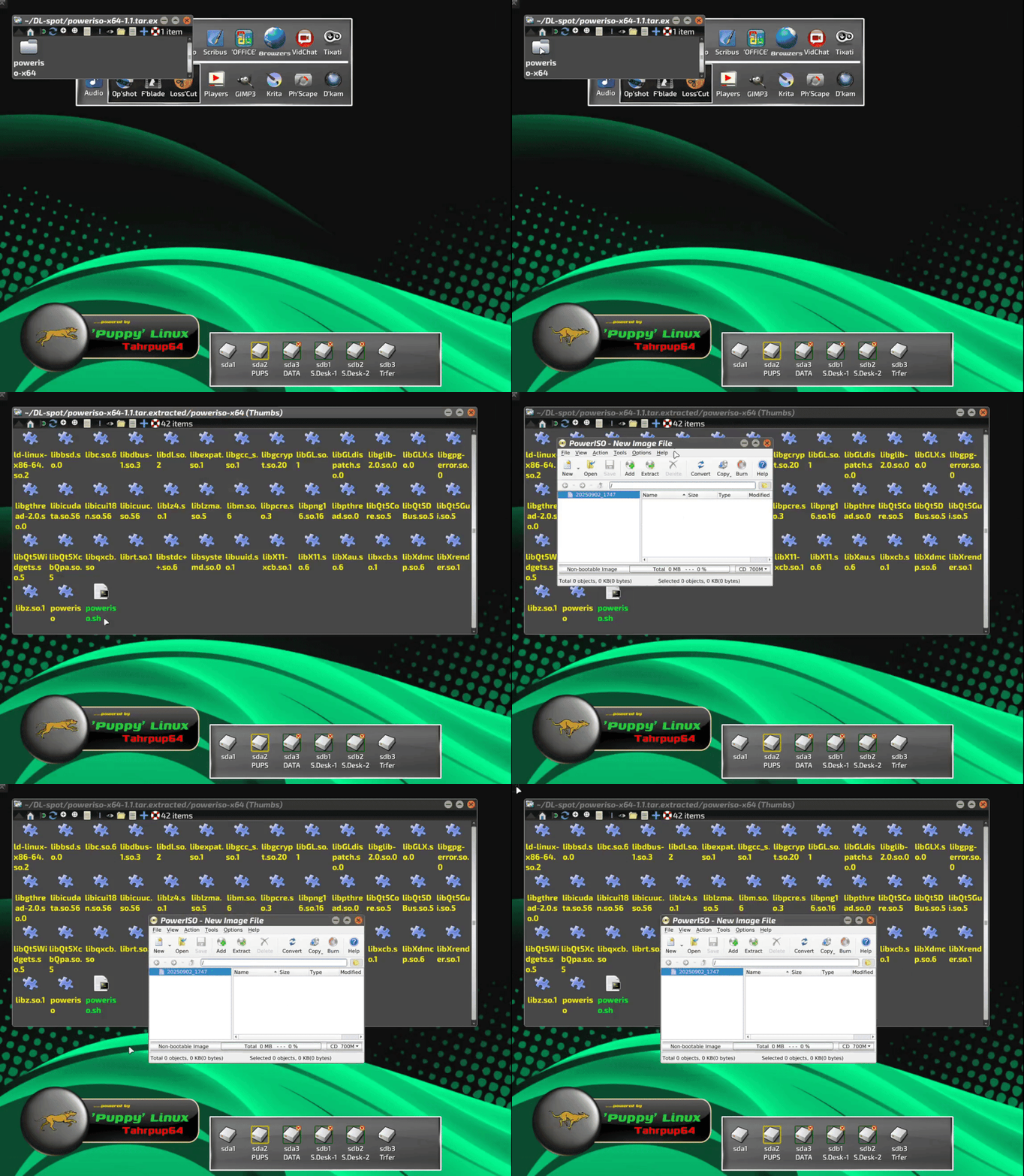
Having extracted it, just go into the extracted directory and run the shellscript 'poweriso.sh'. It fires straight up. I currently have it running in an 11-yr old, highly-customized build of Tahrpup64, so it won't be expecting up-to-date dependencies.

GIFCap-97.gif


The second one is fine for experienced terminal users, because it describes how to download, unpack and install/run it completely from the command-line. Understandable, given that the author is a Unix SysAdmin.....and probably used to working in the terminal all day long. Not the easiest for possibly inexperienced noobs, though.

I'll have a play with it later on, although from the looks of things, I think I'd prefer to stick with my well-used Nero 4 Linux! I know what I'm doing with that... :D


Mike. ;)
 
Last edited:
I don't use this software...just did a DuckDuckGo search.

If I get a tar.gz file...I just convert it to a deb file with alien. :)
 
These are the required libraries:
Code:
sudo apt install \
    libfontconfig1-dev \
    libfreetype-dev \
    libgtk-3-dev \
    libx11-dev \
    libx11-xcb-dev \
    libxcb-cursor-dev \
    libxcb-glx0-dev \
    libxcb-icccm4-dev \
    libxcb-image0-dev \
    libxcb-keysyms1-dev \
    libxcb-randr0-dev \
    libxcb-render-util0-dev \
    libxcb-shape0-dev \
    libxcb-shm0-dev \
    libxcb-sync-dev \
    libxcb-util-dev \
    libxcb-xfixes0-dev \
    libxcb-xkb-dev \
    libxcb1-dev \
    libxext-dev \
    libxfixes-dev \
    libxi-dev \
    libxkbcommon-dev \
    libxkbcommon-x11-dev \
 libxrender-dev

I include them in my appimages to avoid problems for users. E.g., Drawish on GitHub.


Follow Linux.org

Members online


Top